
How to Bulk Edit Tags on Craft Docs
Craft has no bulk tag rename UI. Here's how to do it with Graft or an AI assistant.
Craft doesn’t have a “rename tag” button that propagates across your space. So if you want to rename a tag - say, #corp to #company across 200 documents - you go through every single one and change it by hand. Not how you do things in 2026.
You have two feasible options: use Graft (GUI, takes 30 seconds) or instruct an AI assistant to do it via API.
The easy way: Graft.to
Graft is a knowledge graph tool I built for Craft documents (winter Craft hackathon winner btw). One of its features is bulk tag rename.
- Go to graft.to
- Add your Craft API credentials (not stored on our servers; Graft is open source — don’t trust my word, trust my code)
- Wait for your space to be parsed (Craft’s discovery API is limited; if your space is large, grab a tea — we’re already parallelizing what we can; PRs welcome)
- Navigate to the tag you want to rename, click Rename tag, enter the new name
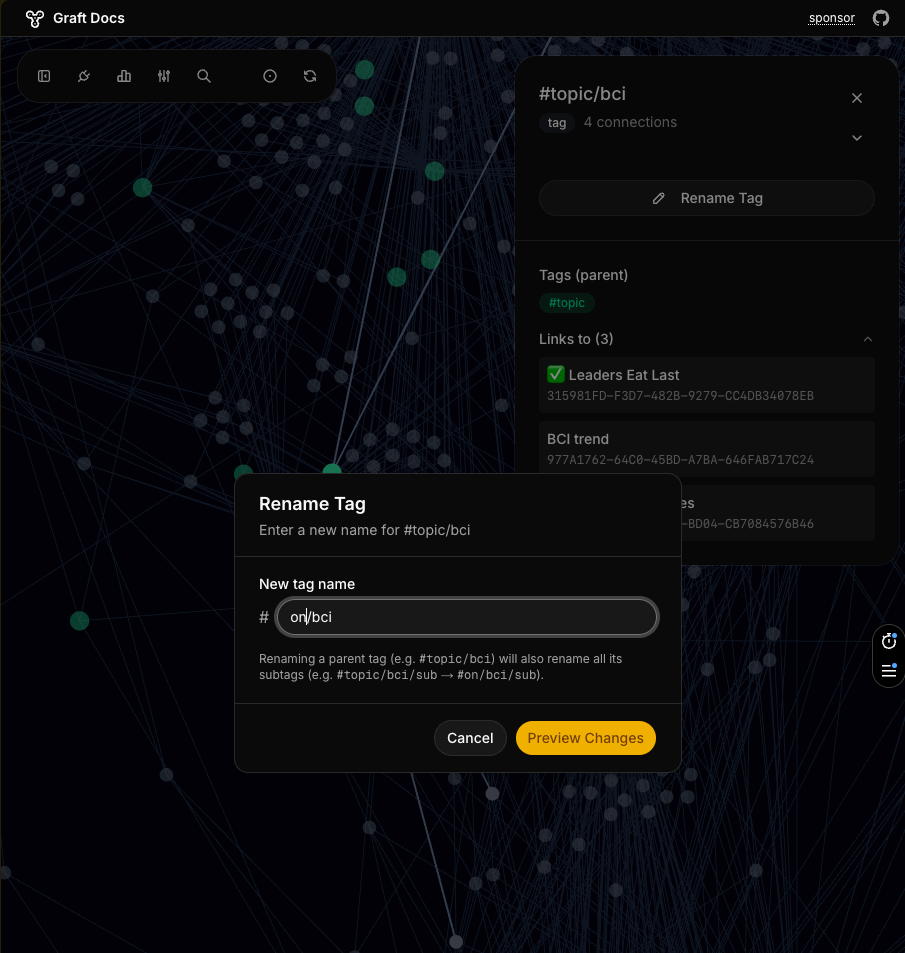 Enter the new tag name — Graft shows how many documents will be affected
- Review the preview — Graft shows exactly which documents and tag paths will change
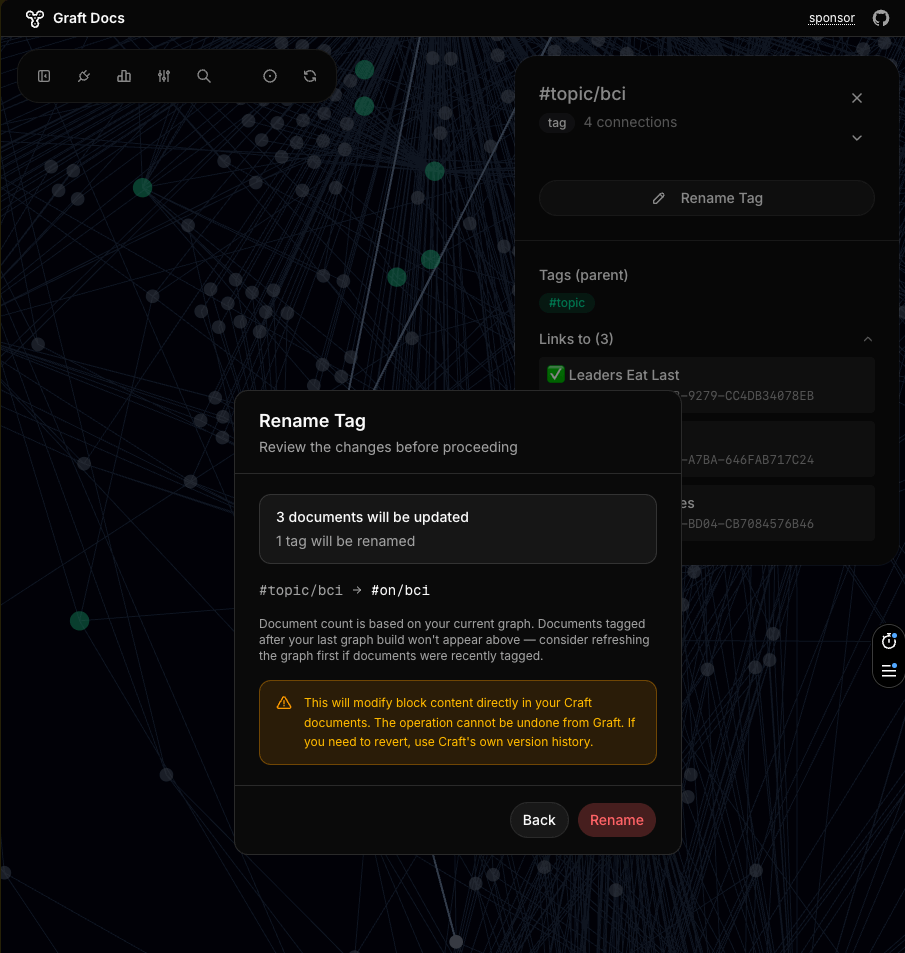 Preview before committing — every affected tag path and document listed
- Confirm, and Graft replaces the tag throughout your space in seconds
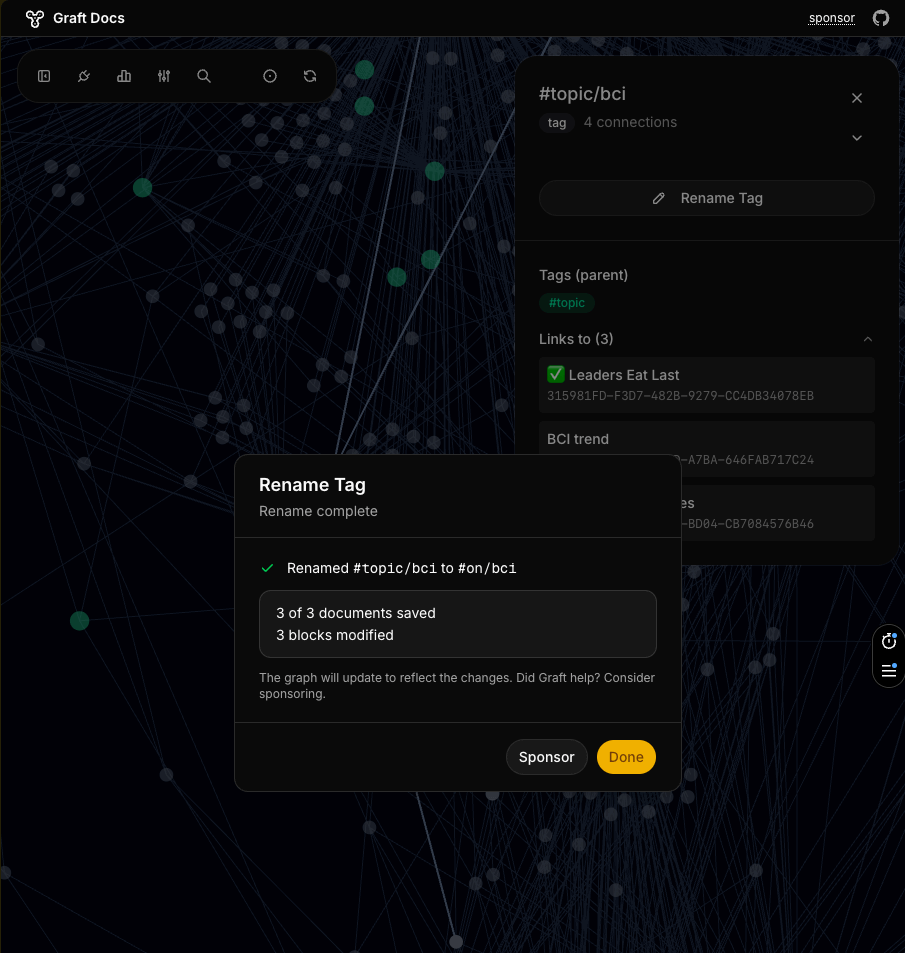 Done — documents saved, blocks modified, no manual edits
The AI assistant way
If you want more control, or your rename logic is more complex than a straight substitution, you can instruct an AI assistant to do it via the Craft API.
Options:
- Craft Agents — Craft’s own agent platform
- Claude or Claude Code — connect Craft via MCP
- ChatGPT developer mode or Codex
Connect Craft via MCP or API, then instruct the agent to replace tags. Point it at the Graft repo — the rename logic is already there, saves tokens.
How it works under the hood
The core logic is straightforward:
- Search for all documents containing
#oldTag - Fetch block content from each document (parallel, 5 workers)
- Regex replace
#oldTag→#newTagin each block’s markdown (boundary-aware so#corpdoesn’t match#corporation) - PUT changed blocks back (parallel, 3 workers; one doc failing doesn’t block others)
Simplified version of what Graft runs (full source):
// boundary-aware regex: #corp matches, #corporation doesn't
const regex = new RegExp(
  `#(${oldTag})(?=/|(?![a-zA-Z0-9_/]))`, 'g'
);

// 1. find docs with the tag via Craft API
const docIds = await searchDocuments(`#${oldTag}`);

// 2. fetch blocks, apply rename, collect changes
for (const docId of docIds) {
  const blocks = await fetchBlocks(docId);
  const changed = blocks
    .filter(b => regex.test(b.markdown))
    .map(b => ({
      id: b.id,
      markdown: b.markdown.replace(regex, `#${newTag}`)
    }));

  // 3. save only the blocks that actually changed
  if (changed.length > 0) {
    await updateBlocks(changed);
  }
}Key decisions: boundary-aware matching (won’t touch #corporation when renaming #corp), handles nested tags (#corp/finance → #company/finance), only PUTs blocks that actually changed, isolated error handling per document so one failure doesn’t kill the whole batch.
Join the discussion
Links coming soon.